
Your company runs on Slack. Now your help desk can too.
Foqal captures every request, routes it automatically to the right person or workflow, and gives your team the visibility - without asking anyone to change how they work.


Works inside the tools your team already uses every day.
No new portal. No new behavior. Employees keep messaging in Slack. Your IT team finally has the structure to handle it.

Foqal for Slack
Any message becomes a tracked, routed request with one click. Manage your entire IT queue, run automated provisioning workflows, and handle approvals across multiple workspaces - without leaving Slack.

Foqal for Microsoft Teams
The same intake centralization, routing automation, and SLA reporting - built natively for Microsoft Teams. Same outcomes. No behavior change required from employees.
Three problems that eat your team's day.
If you manage IT, at least one of these is why you're here.
Provisioning and access requests are a bottleneck
Device enrollment, software access, account setup - most of your backlog is routine requests that require manager approvals and coordination across tools. Each one takes too many steps and too much chasing.
Requests arrive everywhere - and get lost
A request sent to someone's personal DM is invisible to the rest of the team. When that person is out, it disappears. When it needs reassigning, the history goes with it.
Your team keeps doing the same work manually
Limited automation and an unmanaged knowledge base means agents manually handle the same tasks every day - approvals, lookups, ticket creation. More complex work waits while your team burns out.
Everything IT needs to run Slack as a real service channel.
Built for IT teams that handle high request volume, complex workflows, or both.
Stop requests from falling through the cracks
Requests fly in from everywhere - Slack DMs, Teams messages, email, shared channels - and your team is playing whack-a-mole just trying to remember what's been handled and what hasn't. Foqal converts any message from any source into a tracked ticket with one click - so nothing disappears, everything has an owner, and your team can actually keep up.

Structure without friction. For your team and theirs.
For employees, nothing changes. They keep using Slack and Teams the way they already do. For your IT team, everything changes.
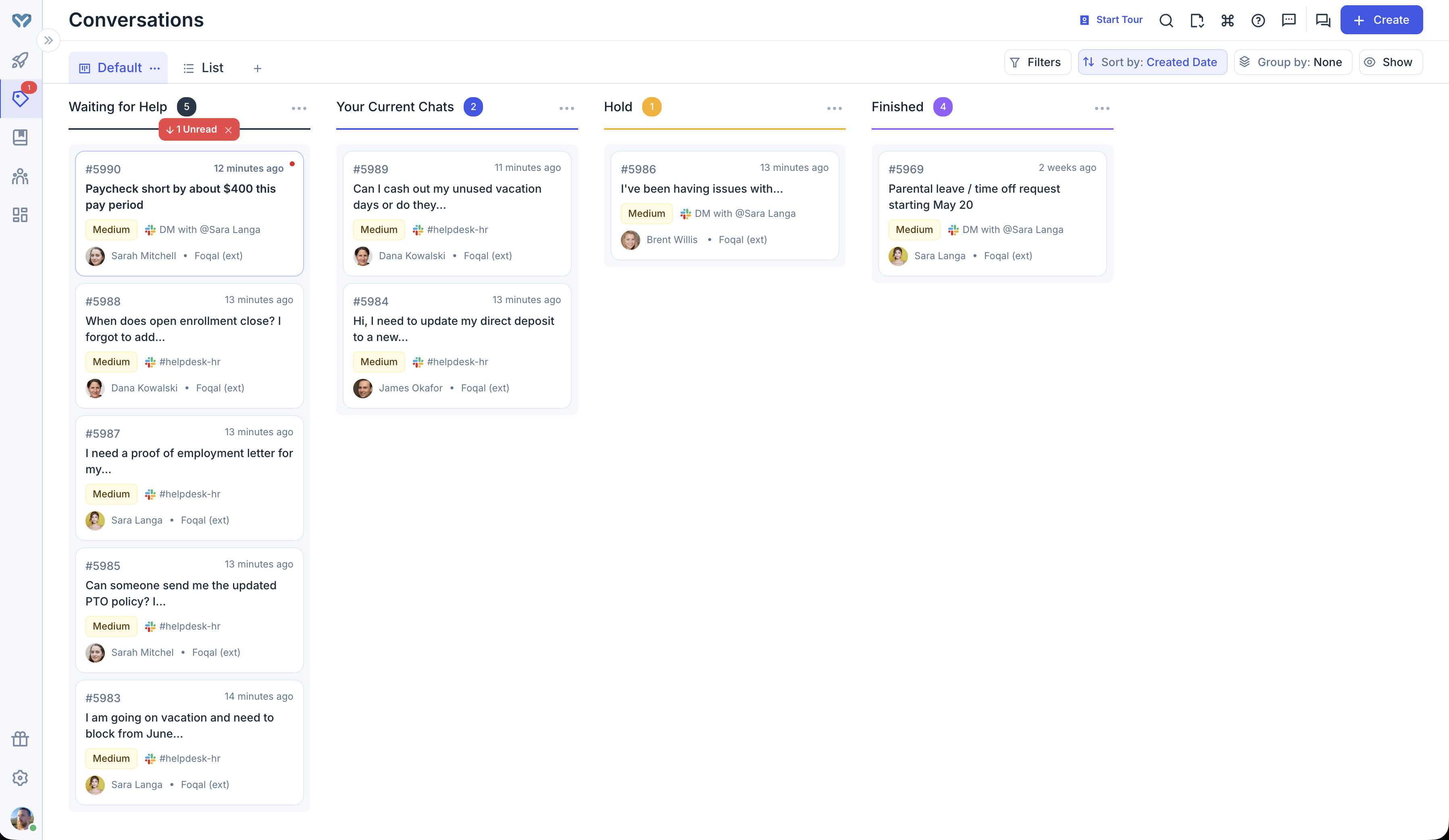
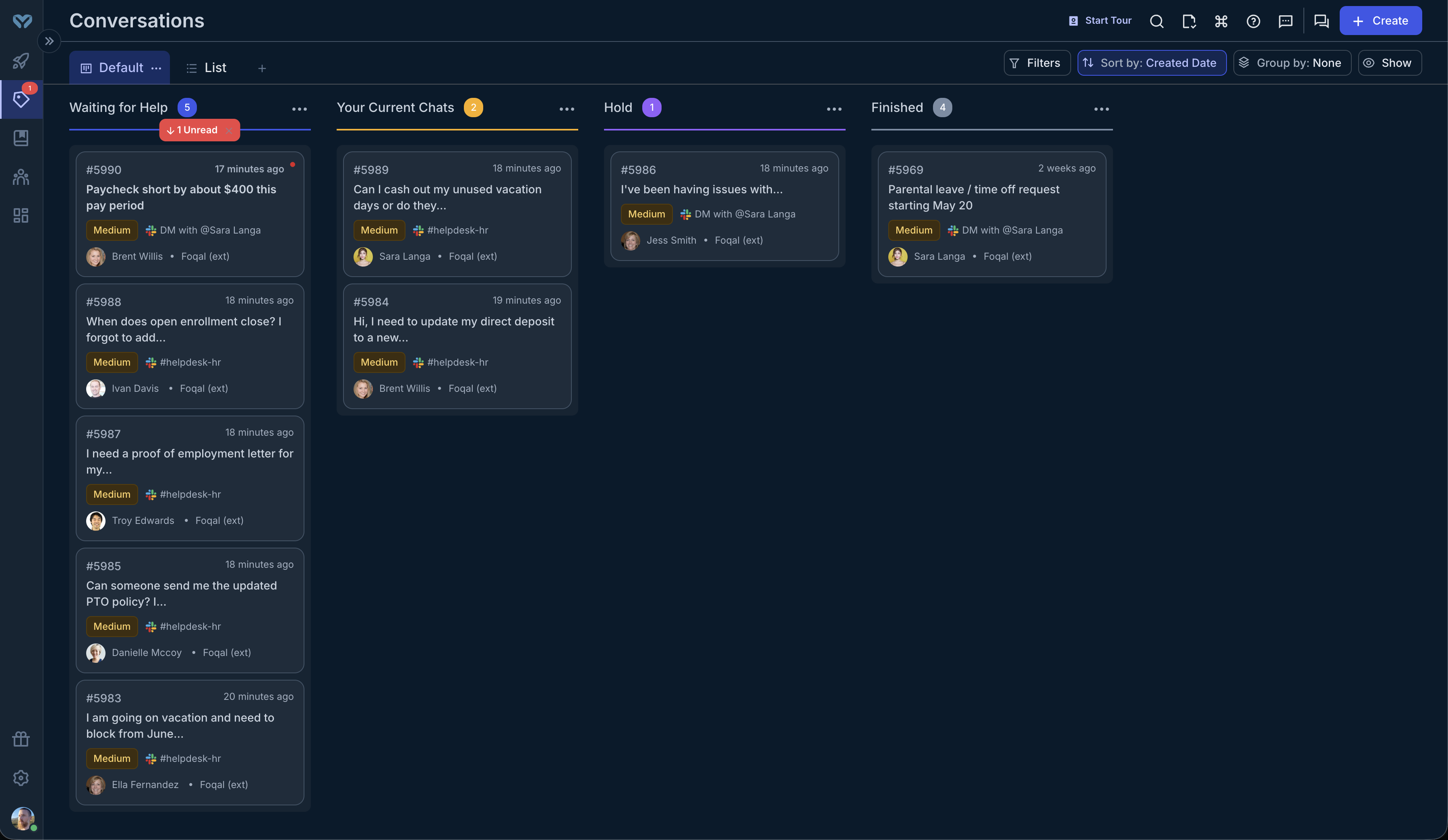
Every Slack message, Teams message, or DM becomes a structured, tracked request - automatically. One place for everything coming in, regardless of where it started.
- Capture requests from any channel or DM
- Automatic conversion to structured tickets
- Full conversation history preserved
- Nothing gets lost when someone is OOO

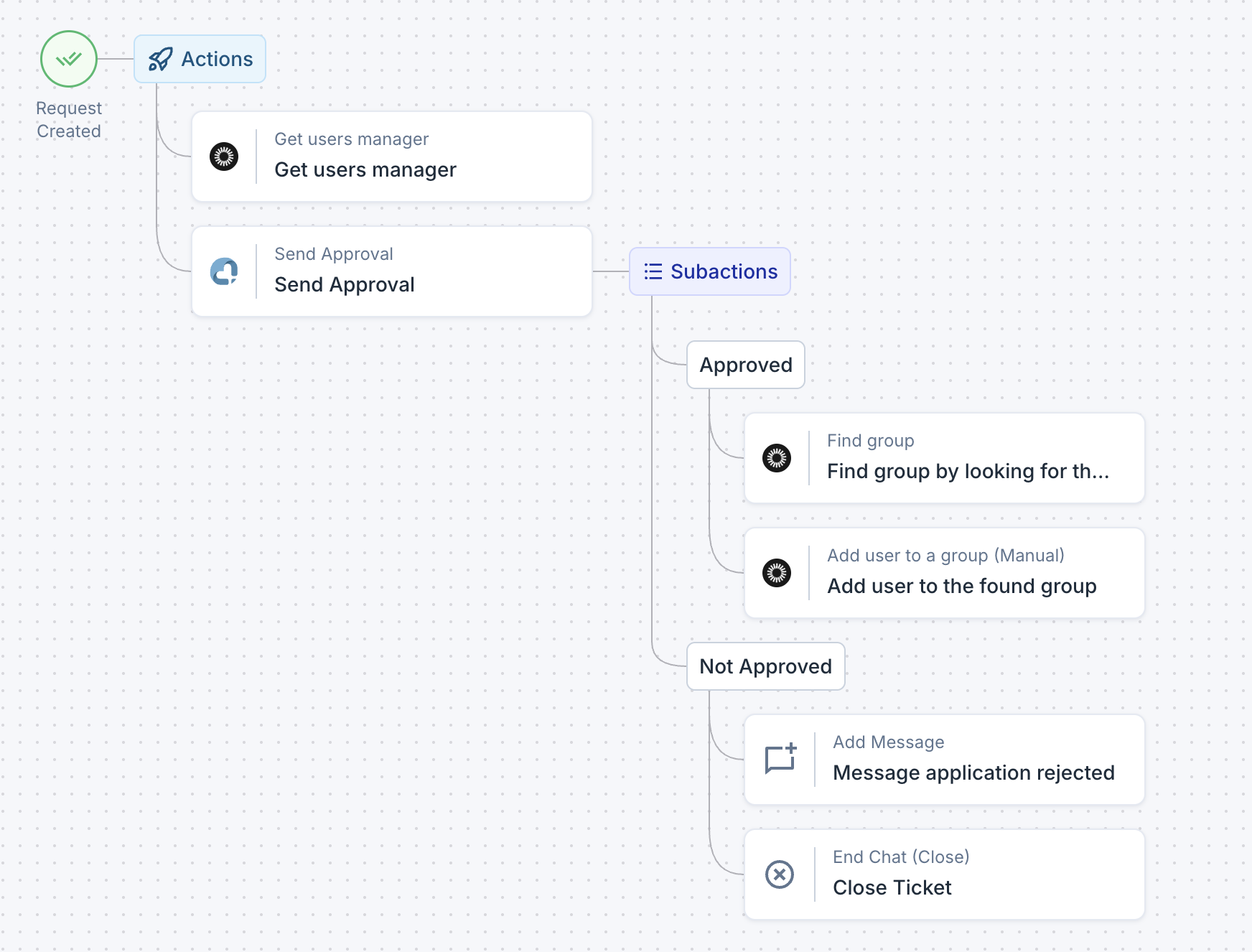
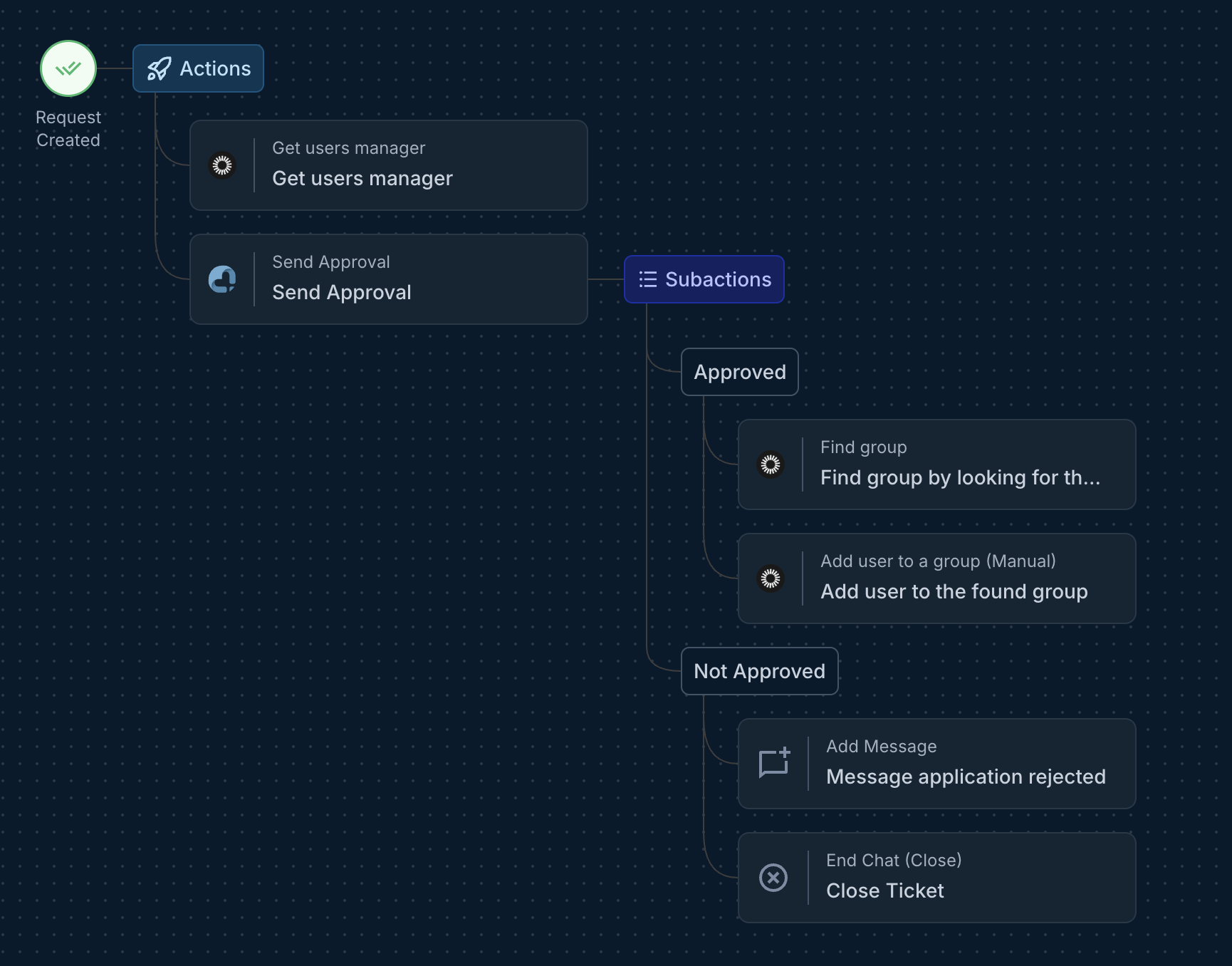
Foqal routes requests by type, urgency, or requester - triggers approvals, fires actions in Okta, Jamf, Jira, and more - and closes the workflow without anyone chasing anyone.
- Automatic routing based on request type
- Manager lookups from your IDP
- One-click approvals in chat
- Actions fire automatically on approval
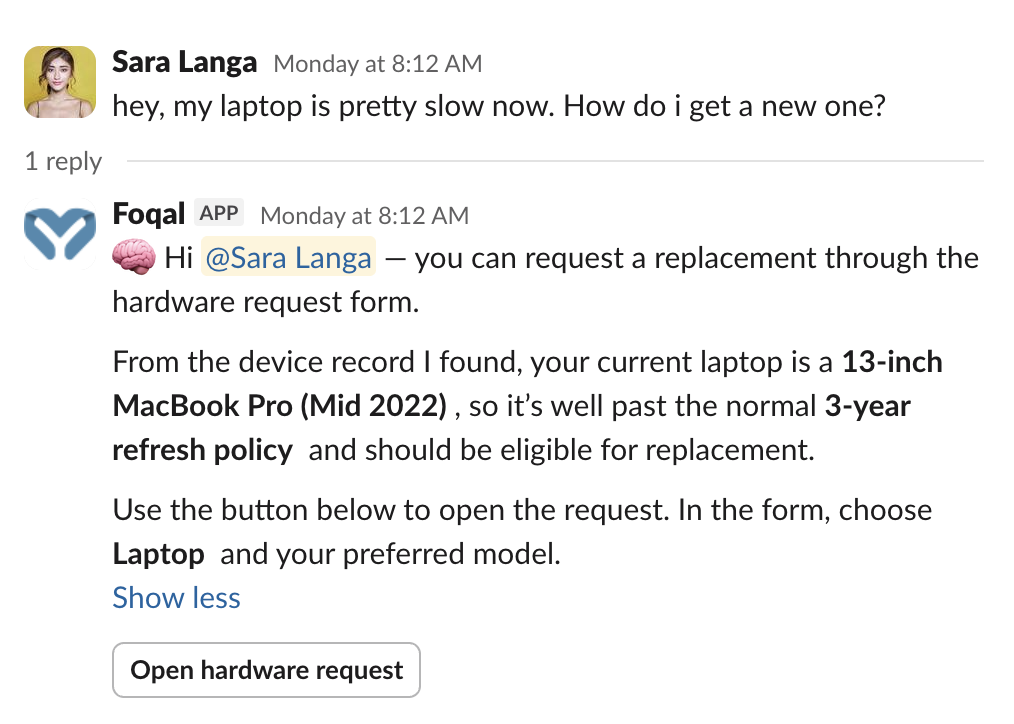
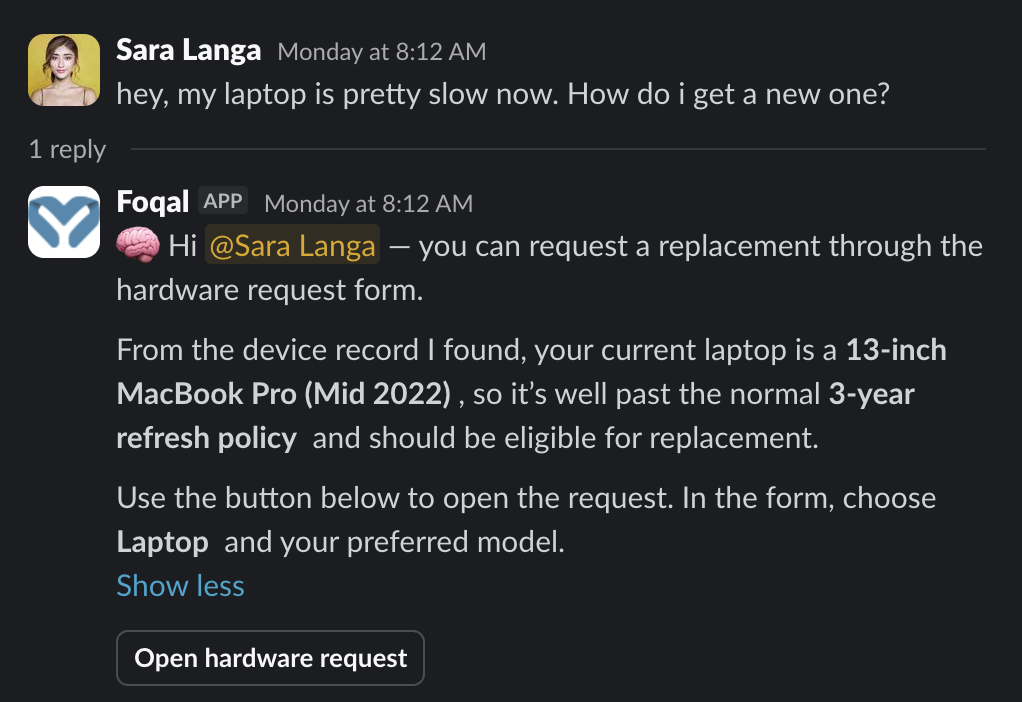
Password resets, access questions, onboarding FAQs - AI answers these instantly from your connected knowledge sources. Your team handles the work that actually needs them.
- AI answers from your knowledge base
- Deflection rates tracked automatically
- One-click fallback to human support
- Continuous improvement insights
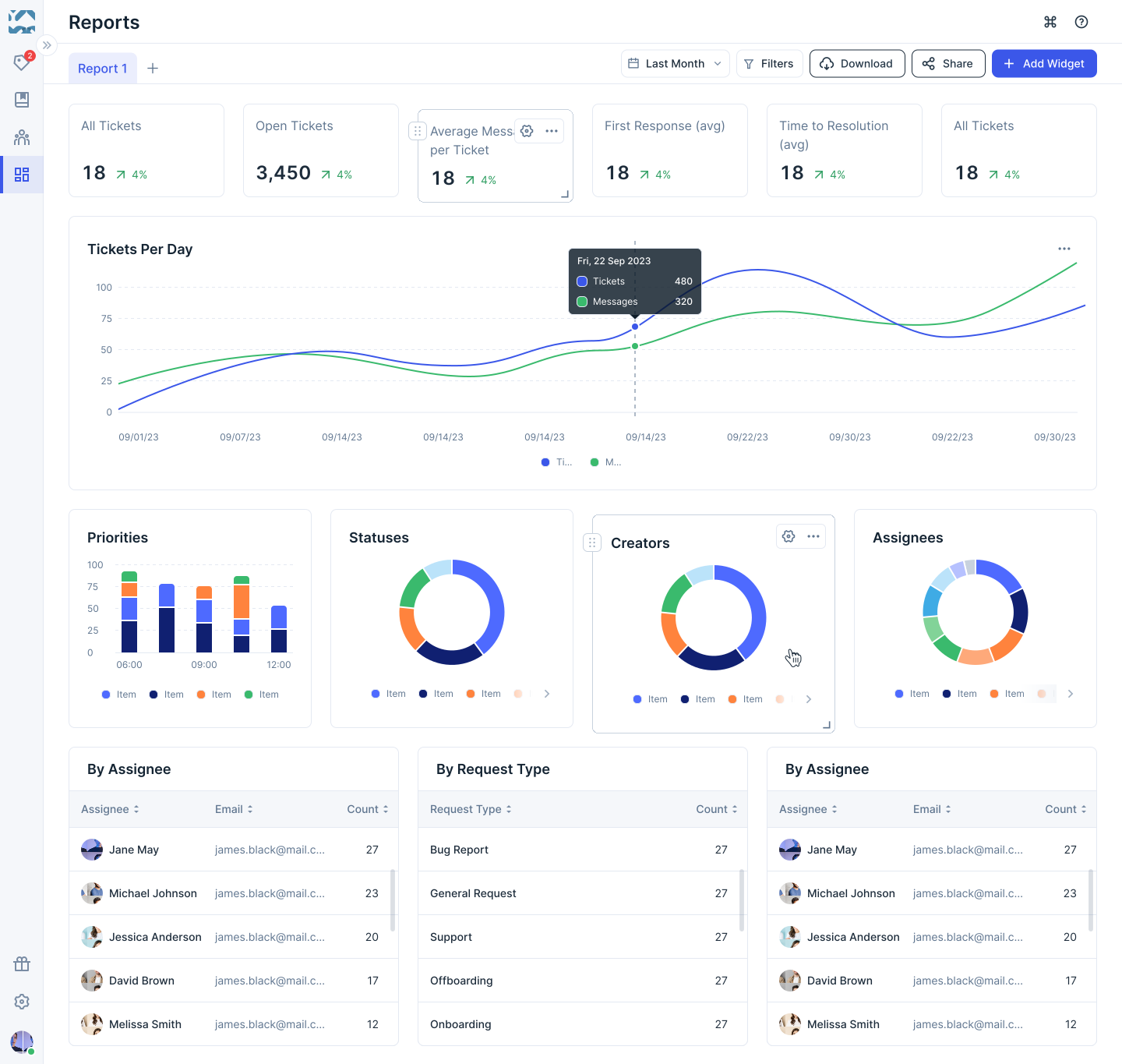
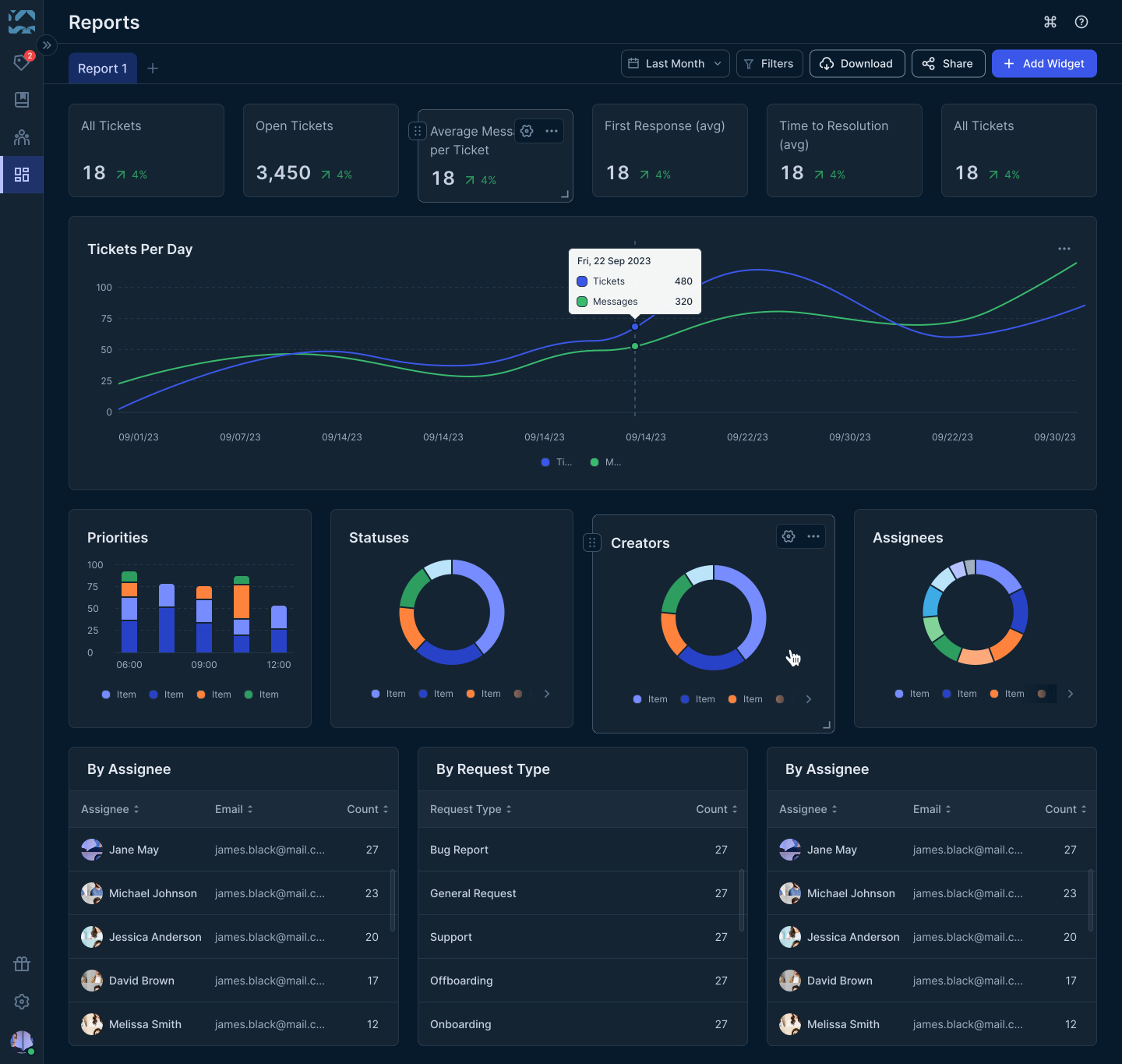
Every request is timestamped, tagged, and reportable from day one. At the end of the quarter, you're not building a report - you're sharing one.
- Volume, response time, resolution tracking
- Team workload distribution
- Trend analysis and forecasting
- Export-ready reports for leadership
Password resets, access questions, onboarding FAQs - AI answers these instantly from your connected knowledge sources. Your team handles the work that actually needs them.
- AI answers from your knowledge base
- Deflection rates tracked automatically
- One-click fallback to human support
- Continuous improvement insights
Every request is timestamped, tagged, and reportable from day one. At the end of the quarter, you're not building a report - you're sharing one.
- Volume, response time, resolution tracking
- Team workload distribution
- Trend analysis and forecasting
- Export-ready reports for leadership
Every Slack message, Teams message, or DM becomes a structured, tracked request - automatically. One place for everything coming in, regardless of where it started.
- Capture requests from any channel or DM
- Automatic conversion to structured tickets
- Full conversation history preserved
- Nothing gets lost when someone is OOO
Foqal routes requests by type, urgency, or requester - triggers approvals, fires actions in Okta, Jamf, Jira, and more - and closes the workflow without anyone chasing anyone.
- Automatic routing based on request type
- Manager lookups from your IDP
- One-click approvals in chat
- Actions fire automatically on approval
Password resets, access questions, onboarding FAQs - AI answers these instantly from your connected knowledge sources. Your team handles the work that actually needs them.
- AI answers from your knowledge base
- Deflection rates tracked automatically
- One-click fallback to human support
- Continuous improvement insights
The requests your IT team handles every day - running themselves.
Each workflow connects to the tools you already use and runs inside the channels your team is already in.
User Provisioning
A new access request routes to the right manager in Slack, triggers provisioning in Okta, Google Workspace, or Jamf, and closes with a full completion log - without IT manually coordinating any step.
Access Management
Every access decision - who requested it, who approved it, when it was provisioned - is logged automatically and exportable on demand. When compliance asks for a record, it already exists.
Employee Onboarding
One request triggers tasks simultaneously across IT, HR, legal, and facilities. New hires have accounts, devices, and access on day one - not three days later.
Incident Management
Foqal detects urgency signals, routes to the right responders, and keeps stakeholders updated - so your team is actually resolving the incident, not coordinating the response.
See all use cases
Explore more IT automation workflows
What it looks like when your IT operations actually run.
Your existing tools stay. Foqal adds the layer they're missing.
Foqal connects bi-directionally to the tools your IT team already runs. Nothing gets ripped out. Every existing tool gets more useful.
Every team that handles requests can run on Foqal.
IT is where most teams start. But the same platform handles HR, customer support, and cross-functional operations - without any structural changes.

IT Operations
Structured request management, SLA tracking, and a full audit trail - running inside Slack and Teams, not alongside them.

HR & People Ops
Benefits questions, onboarding requests, and sensitive conversations - handled in Slack with the privacy and structure HR actually needs.

Customer Support
One inbox for every Slack Connect channel. SLA tracking from first message to close. The confidence to commit to Slack support and charge for it.
IT Operations
Structured request management, SLA tracking, and a full audit trail - running inside Slack and Teams, not alongside them.
HR & People Ops
Benefits questions, onboarding requests, and sensitive conversations - handled in Slack with the privacy and structure HR actually needs.
Customer Support
One inbox for every Slack Connect channel. SLA tracking from first message to close. The confidence to commit to Slack support and charge for it.
IT Operations
Structured request management, SLA tracking, and a full audit trail - running inside Slack and Teams, not alongside them.
HR & People Ops
Benefits questions, onboarding requests, and sensitive conversations - handled in Slack with the privacy and structure HR actually needs.
Customer Support
One inbox for every Slack Connect channel. SLA tracking from first message to close. The confidence to commit to Slack support and charge for it.
Things IT teams usually ask us.

Stop managing requests. Start running operations.
See how IT teams use Foqal to handle more volume, justify headcount, and get back to the work that actually matters.